





FAQ
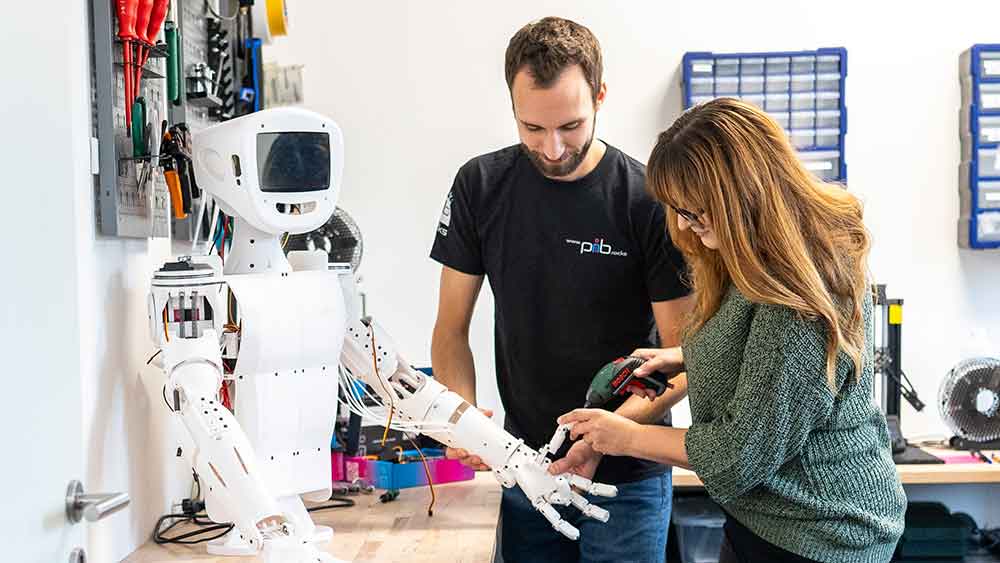
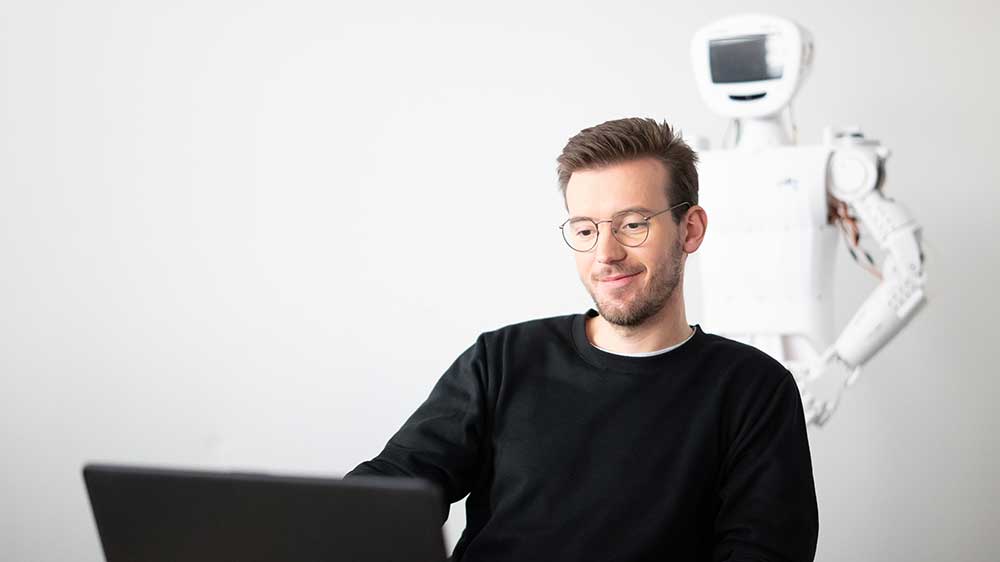
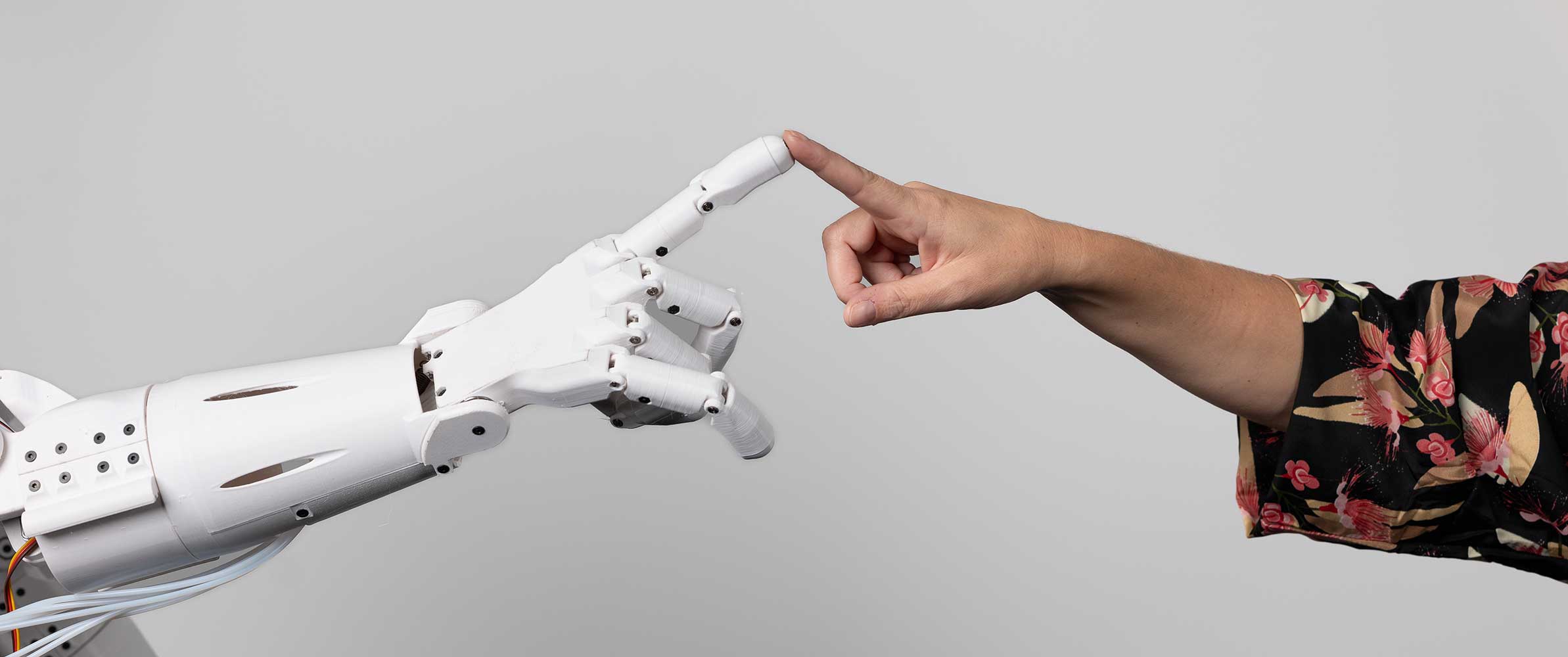
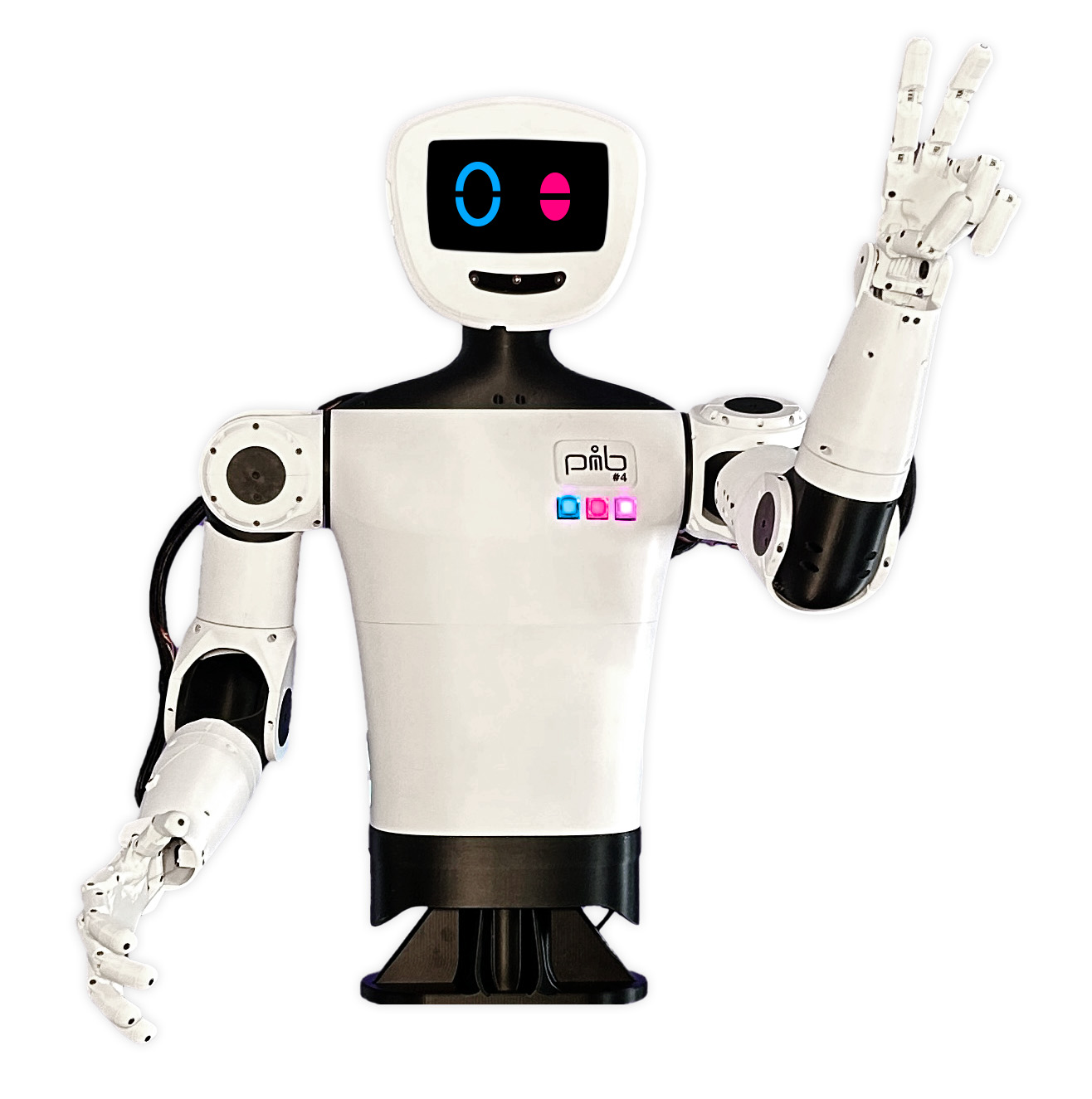
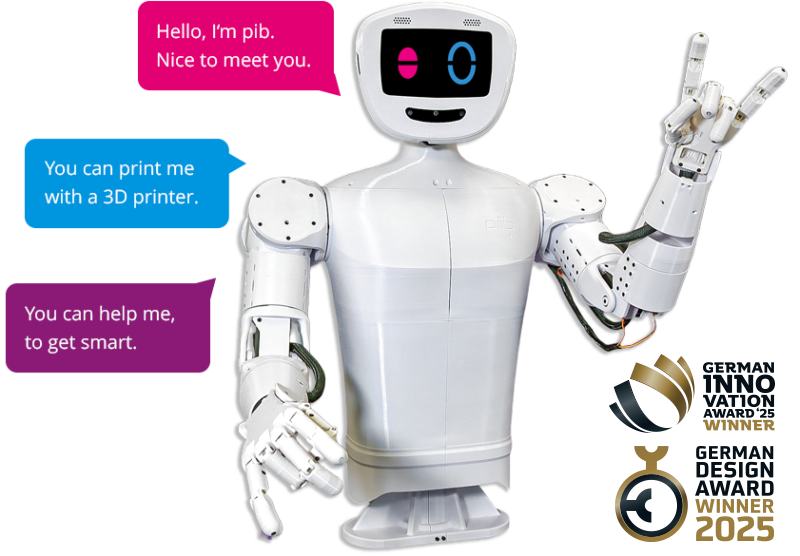
pib is a 3D-printable, humanoid open-source robot that anyone can build themselves using their own 3D printer. pib is primarily intended as a platform for technology enthusiasts. Anyone who has always wanted their own robot can build a low-cost system with pib.
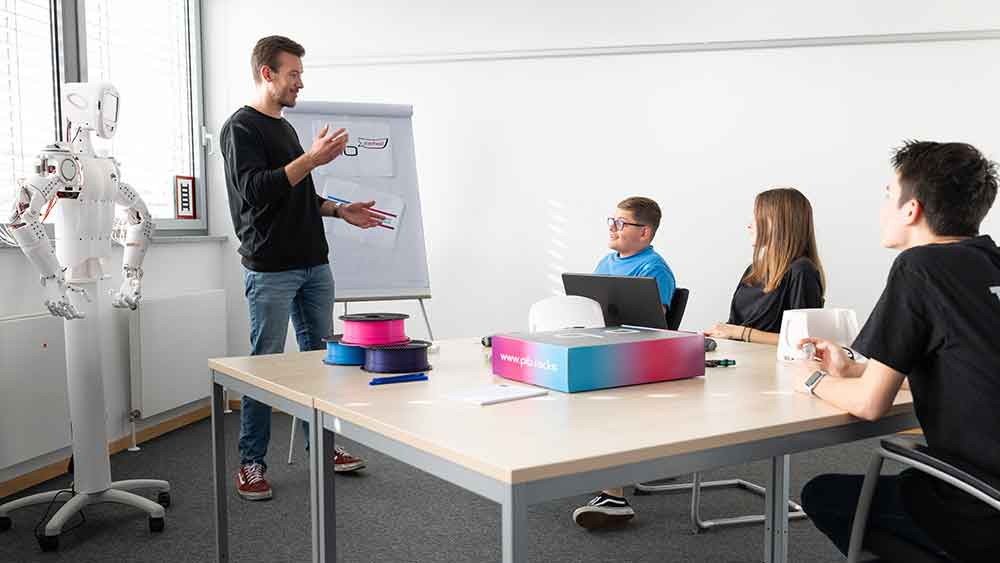
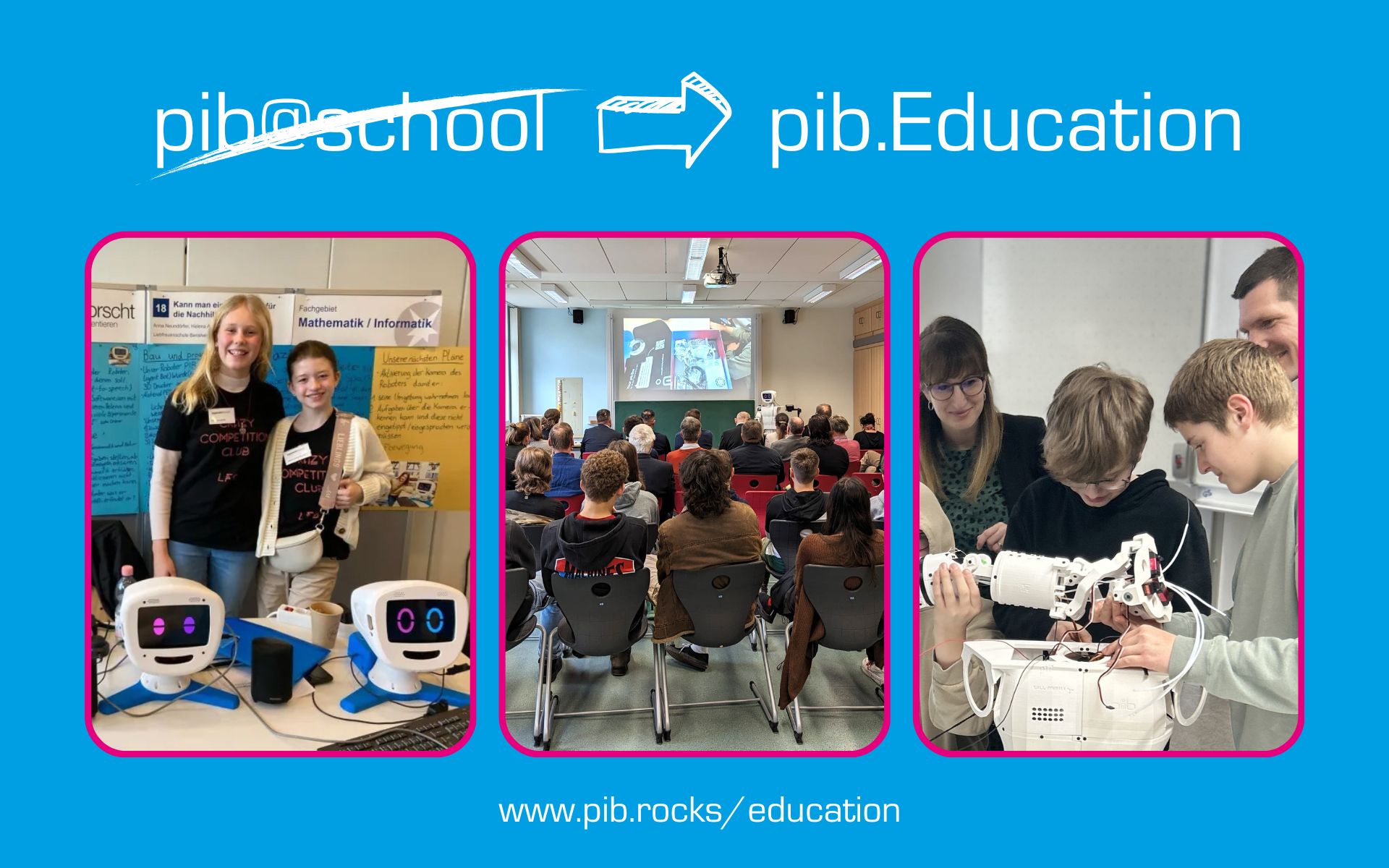
pib has also been very well received in the education sector: More than 70 schools and educational institutions in Germany and Europe are now using pib in various projects. As part of a school year – whether in a class group or a cross-grade P-seminar – the students assemble the robot step by step. They start the school year with an empty table and end up with their own humanoid robot.
pib has a camera that acts as a central sensor with which it can interact with people. This enables the robot to move its joints. In the fully developed version, pib can control up to 30 motors.
A particular highlight is the ability to recognize and imitate hand movements through the camera. This is not only the most striking feature, but also the most emotional approach to the robot’s capabilities, as it allows it to imitate human gestures.
In addition to the camera, pib has speakers, microphones and a display to show information. The combination of camera and microphone has enabled us to develop an effective voice assistant. You can ask the robot questions and receive natural, spoken answers. You can even define characters for pib and have the robot reply in the according manner.
We are convinced that this form of interaction, where you can ask the robot questions or give it tasks in a human way, will be very important. For example, you could ask pib: “Get me a coffee” or “Where are my keys?” – These are typical requests that the robot will hopefully be able to answer in the future.
pib is a humanoid robot. We try to orient ourselves on the human model; therefore, the upper body is the size of an average human. To be exact, the upper body and head in the current version of pib are 89 cm tall, 56 cm wide and 18 cm deep. The arms are 68 cm long.
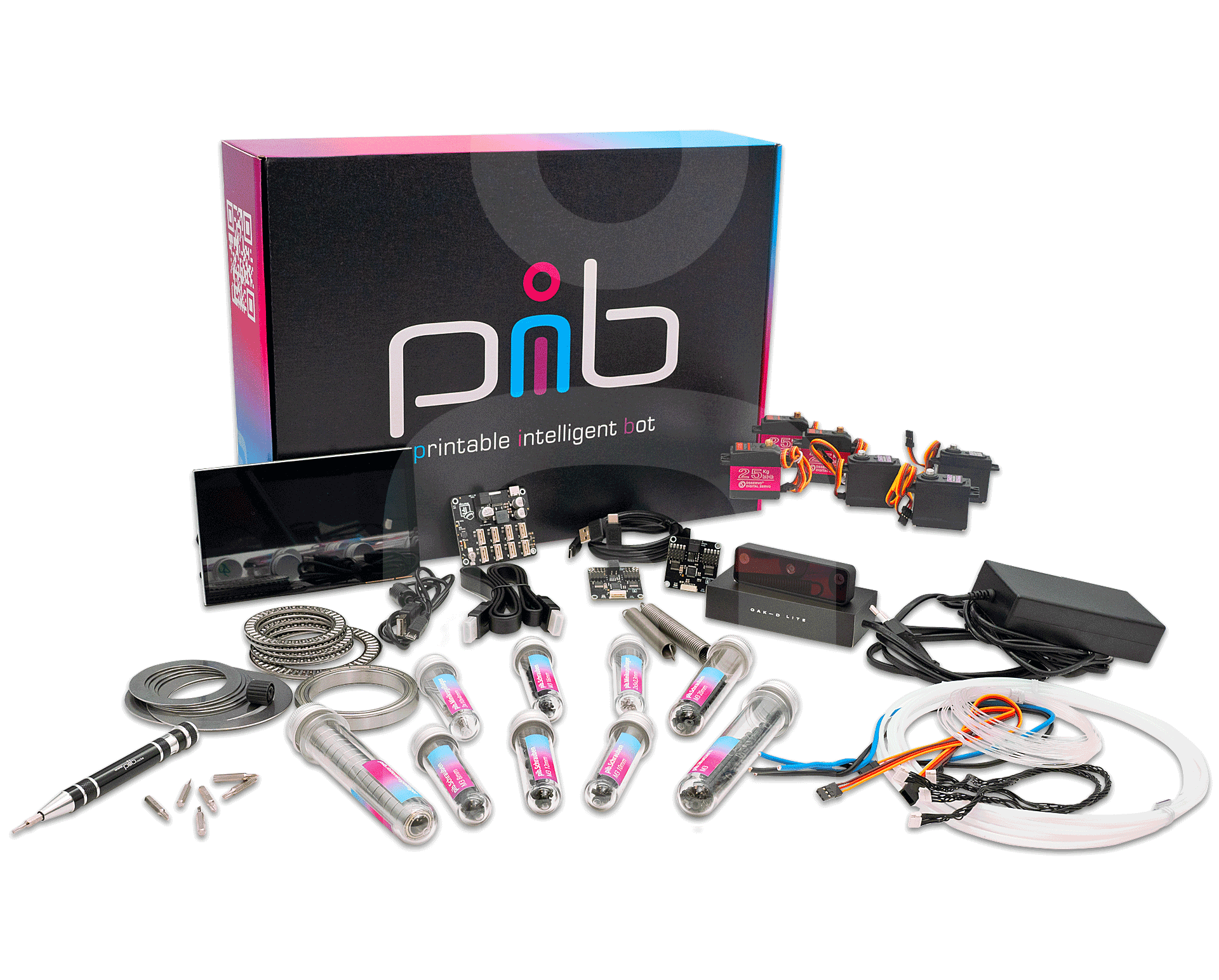
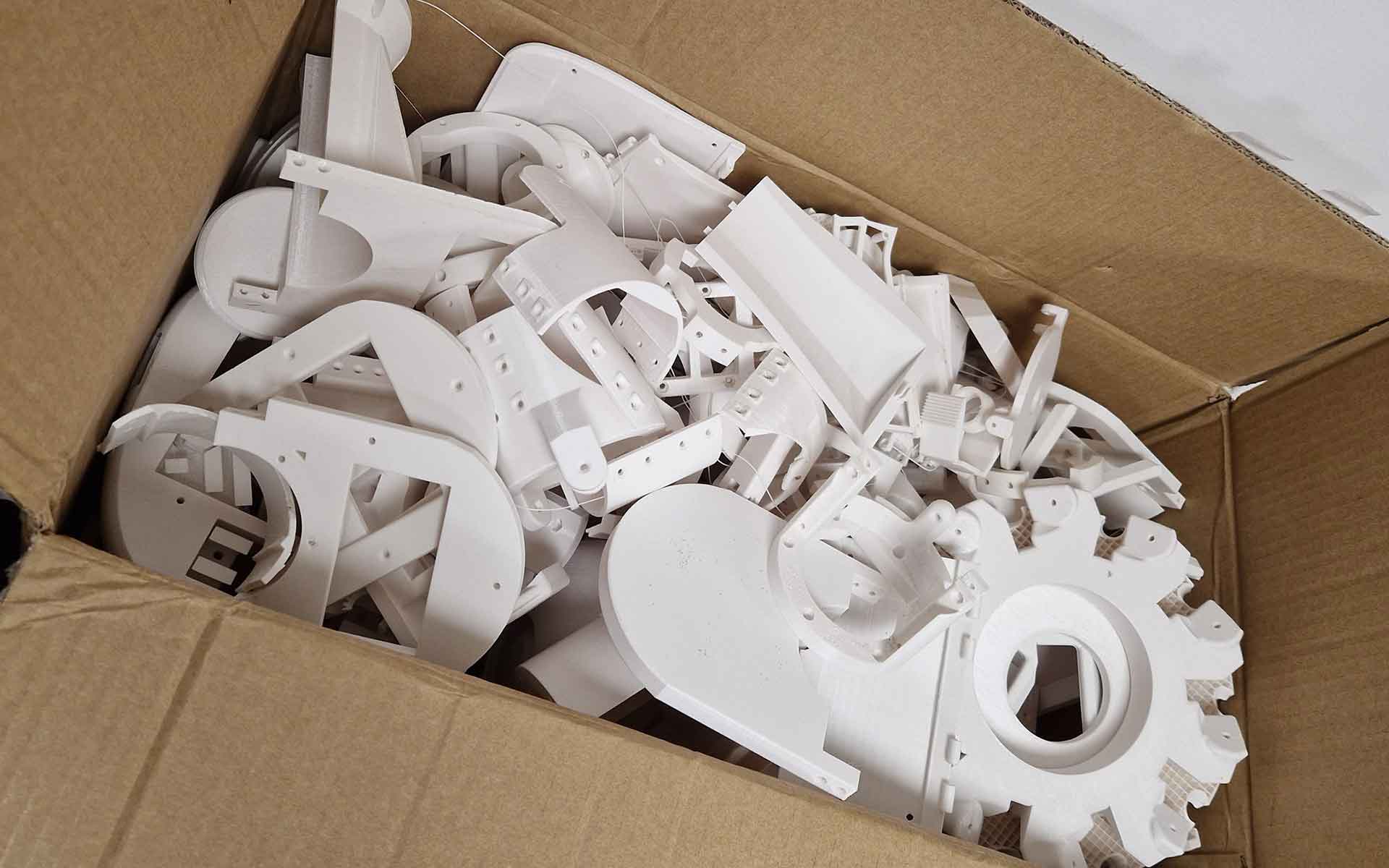
The 3D printed parts alone weigh about 5 kg. Add the non-printable parts such as the display, motors, screws, etc. and one complete pib weighs approximately 7.5 kg.
We recommend using PETG. PETG is relatively easily printable. We prefer it to PLA mainly because it can resist higher temperatures and more mechanical stress. Therefore, it will give in a little upon pressure and it takes more to break it. However, if you wish to use PLA that is also possible of course, just make sure to tighten the screws with extra care.
A complete pib robot requires approximately 7 kg of filament. Detailed filament requirements and estimated print times for individual parts can be found in the Print Checklist and in the Onshape project files.
Printing all parts typically takes around 1 week or more, depending on your printer and settings. Assembly usually takes around 40 hours for first-time builders. Some experienced community members have reported completing their build in as little as 3 days.
If you have difficulty getting the nuts into the right places, you can use a hammer and carefully hammer them in. If necessary, use a screwdriver to help fix them in the right place. Alternatively, a pipe spanner has also proven to be a useful tool. You can also find more information on this in this video.
Of course, you’ll receive ongoing support from both our team and the community. Plus, your pib.Edubox includes a weekly live group support session on our Discord server. During these sessions, you can bring your questions or challenges, and we’ll work through them together in real time.
Our experience shows that pib can be used well from 8th grade onwards. However, there are also ways to adapt and use pib for younger students.
The pib.Academy is a collection of teaching and learning materials on pib-relevant topics – a kind of knowledge library for teachers. In addition to the basics of programming, robotics, 3D printing and CAD, specific topics relating to the construction modules are also covered.
For example, the ‘Head’ construction module includes materials on topics such as ‘How does the eye work?’, ‘How does a camera work?’ and ‘3D vision’. Bionic relationships play a central role here. The module also offers information on ‘single-board computers’ and ‘pibs energy supply’, for example.
Starting with #4, pib uses a microphone array. This means that pib can determine the direction from which sounds are picked up.
In previous versions, pib uses a single microphone rather than a microphone array. This means it captures sound from one point rather than using multiple microphones to detect direction and filter noise.
The hardware of pib is released under AGPL3.
You can find the BOM (Bill of Materials) of the non-printable parts in the Onshape document under this link: https://cad.onshape.com/documents/775cd57fa655e34e0a8b6d93/v/1e5e359d98efa05f20b5d017/e/2469ee3a35b80be2cc7edd03?configuration=List_aCUFOUvhQWqNY0%3DNew_Body%3BPrint_helpers%3Dfalse%3BShow_electronics%3Dtrue%3BShow_metal_parts%3Dtrue%3BShow_wiring_and_tubes%3Dtrue&bomType=flattened&renderMode=0&rightPanel=BOMPanel&uiState=688323af941abc5bc5ca396f
This link makes sure that the options “Show metal parts” and “Show electronics” are active.

If you encounter a problem when building or programming your robot, you have several options to get support:
1.) Check our FAQs where you will find answers to some common issues.
2.) Ask your question in our Support Forum on our Discord channel. This is your easiest and quickest way to get help. You will receive support from the pib team as well as from our global community. You can also browse the Support Forum via the search bar in the top right corner and see if your issue has already been solved in the past.
3.) You can also send us an e-mail to team@pib.rocks and we will get back to you as soon as possible.
If you are a pib.Education user, you can also join us in our Weekly Support Session on Tuesdays from 1.30 – 2.00 p.m. (CET) on our Discord Server.
Please note: We do not have a telephone support hotline. We ask you to use our Disord channel or e-mail for support inquiries.
We recommend using a 7.5V 10A power supply for a fully assembled pib robot. Lower-current power supplies, such as 7.5V 6A models, may not be able to provide enough power when multiple servos start at the same time, which can cause voltage drops, resets, or shutdowns.
This usually indicates a power supply limitation or voltage drop caused by high inrush current when multiple servos start simultaneously.
Upgrading to a higher-current power supply (recommended: 7.5V 10A) typically resolves this.
pib runs ROS inside Docker containers, so ROS commands are not available until the environment is properly initialized.
To fix this:
- Enter the ROS container using Docker (
docker exec -it ...) - Navigate to the workspace (e.g.
ros2_ws) - Run:
source install/setup.bash
After this, ROS commands such as topic and node tools should become available.
Yes, but you need to install the required ROS components and ensure they match the container setup. Alternatively, you can work directly inside the Docker containers, which is the recommended approach.
pib uses multiple containers for different subsystems. ROS functionality is typically distributed across ROS-related containers. If unsure, start with the ROS program-related container and verify the environment by checking the workspace inside it.
pib software is continuously updated and may be optimized for newer hardware versions. If you are using older hardware (for example pib#2), you may notice that some components are missing, incorrectly mapped, or not functioning as expected.
This usually happens when:
- The software expects a newer hardware layout (e.g. pib#3 or #4)
- The database or setup script was generated for a different pib version
- Some motors or sensors are not defined in the current configuration
What you can do:
- Check whether your pib hardware version matches the software version you installed
- Verify that all expected components appear in the system configuration (e.g. servos in
pibdata.db) - If components are missing, your system may need to be reconfigured to match your hardware version
- In some cases, older hardware requires manual configuration adjustments to restore full functionality
If you are unsure which version you are using, compare your physical build with the official pib documentation for your revision.
Note: Newer pib software may not fully support legacy hardware configurations without adjustments.
If your speakers work for system audio (such as YouTube or media playback), but the pib “speak” or text-to-speech feature does not produce sound, the issue is usually related to cloud voice processing requirements.
The pib speech feature does not run fully locally. Instead, it relies on cloud-based voice services, which require an active connection and proper API access.
Common causes include:
- “Smart Connect” is not enabled
- Missing or invalid API token (find out here how to get your token if you haven’t yet)
- Cloud voice service access not configured
What to check:
- Ensure Smart Connect is enabled in your pib setup
- Verify that your system has a valid API token / cloud access configuration
- Confirm that the robot has internet access to reach the voice service
Once cloud access is correctly configured, the speak function should produce audio output normally.
Note: Local speaker playback (e.g. YouTube or system audio) does not require Smart Connect, but the pib speech module does.
pib voice features (such as the “speak” function and cloud-based speech generation) require an API token from the TRYB / Smart Connect platform.
This token enables access to the cloud voice services used for text-to-speech processing.
You can find the full setup guide and generate your API key here:
https://www.tryb.ai/en/pib-edubox-api-key/
Note: Without a valid API token and Smart Connect enabled, the system may still play local audio (e.g. YouTube), but programmatic voice output will not work.